
A farewell gift for a colleague, made by the whole team
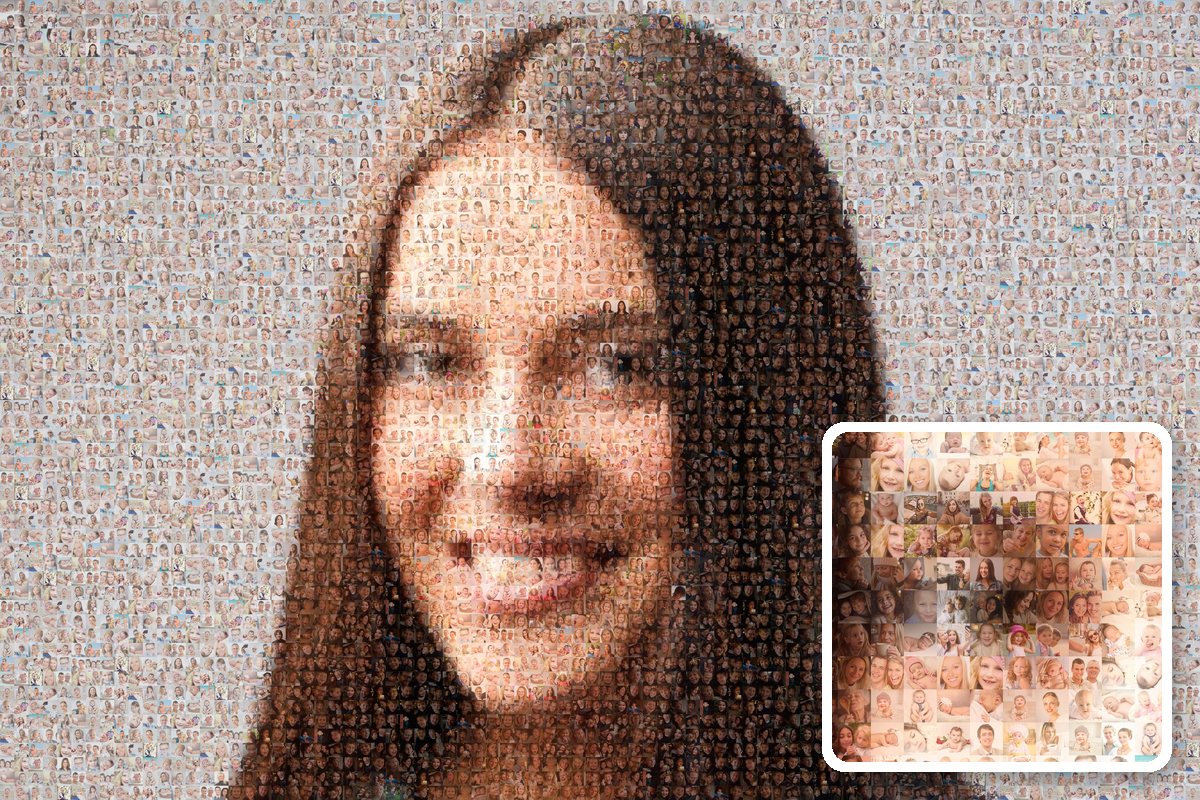
Is a colleague retiring or moving on to a new job? Make a photo mosaic together. Everyone adds their own photos through one link: from team outings, after-work drinks and ordinary working days. You turn them into one big photo of your colleague, built from all those moments.
- Colleagues add photos from their phones, no app or account needed
- A surprise: participants don't see the main photo in advance
- Collecting is free; you only pay for what you order
Collecting is free, no app needed
How it works
- 1
Start the group
Choose a title and enter the date of the farewell. Photo collection then closes automatically 2 days before, so you have time to make the mosaic.
- 2
Share the link with the team
Post the link or QR code in the team chat or in an email to the department, but don't send it to the colleague who's leaving. Everyone adds their own photos.
- 3
Make the mosaic
Choose a nice photo of your colleague as the main photo and make the mosaic. Give it at the farewell as a print, a file or a video.
See how it works
Free to collect, careful with your photos
- Collecting is free. You only pay for what you order.
- The photos are only for this mosaic. We don't use them for anything else.
- We automatically delete all photos 3 months after photo collection ends.
Afterwards, you only order what you want: a download (XL €5.95), a print from €49 or a video. All prices →
Tips
- Start in good time, for example three weeks before the farewell, so everyone has a chance to look for old photos.
- Ask former colleagues and people from other departments too. That way you'll get photos you've never seen before.
- Want to keep the mosaic hidden until the farewell? Under "Who sees the result", choose "Only me first".
Frequently asked questions
Will my colleague see it in advance?
How many photos are needed?
Can I organise it together with a colleague?
What does it cost?
Would you rather make a mosaic on your own, from your own photos? A leaving gift from the whole team →