
How to make a photo mosaic
All you need is a few minutes and a folder of your own photos. This page explains how our photo mosaic maker works, which photos give the best result, and which size to choose for a print or a file.
- Free to make and preview, no account needed
- Works in the browser on your phone, tablet or computer
- Then you decide: file, print, video or nothing at all
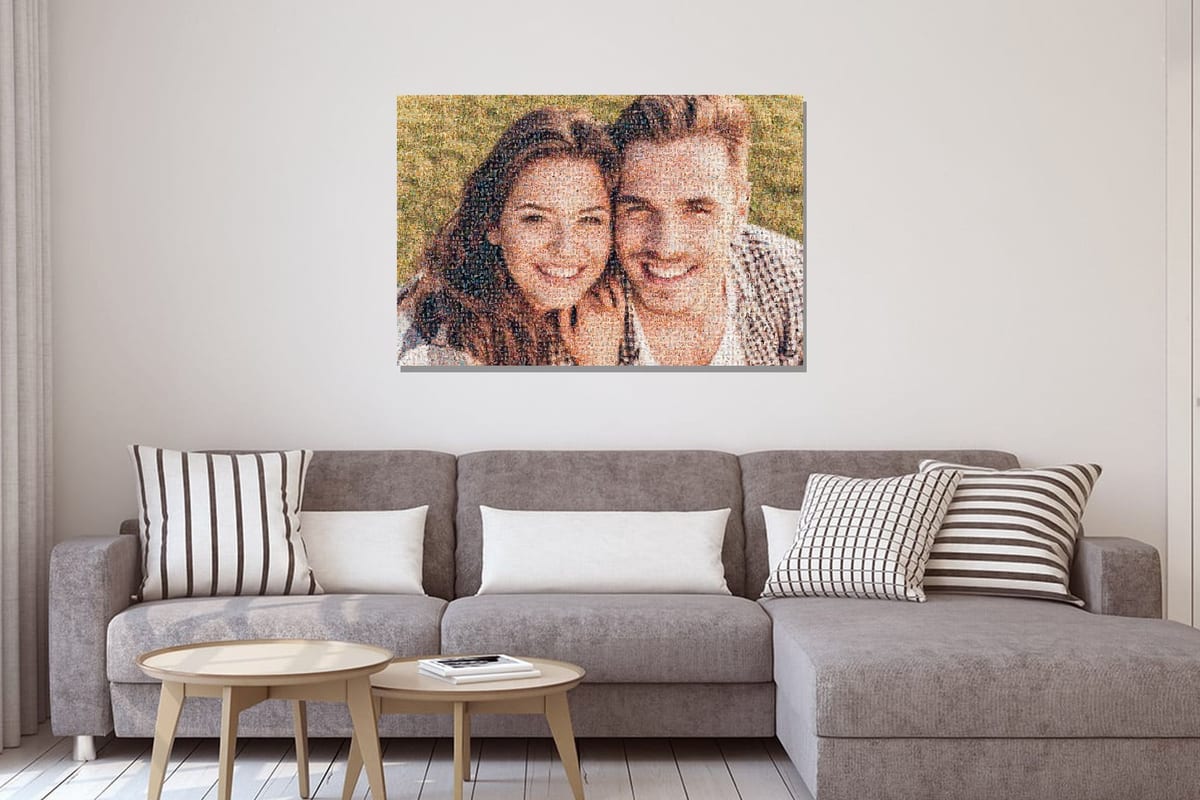
What is a photo mosaic?
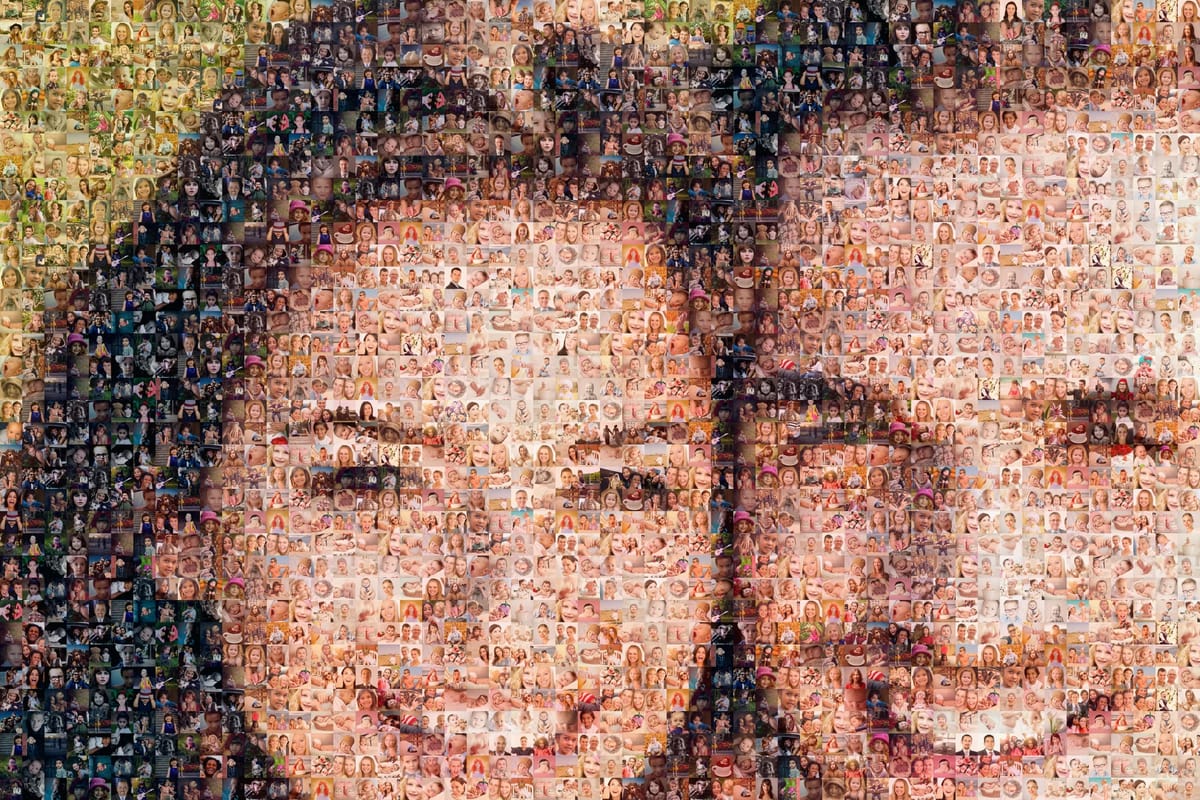
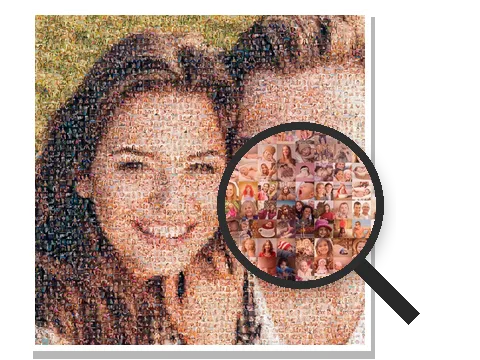
A photo mosaic is one picture made up of thousands of small photos. From a distance you see the main photo, such as a portrait. Step closer and you recognise the individual photos: holidays, parties, the kids, the dog.
The maker measures the colours of your main photo and, for every tile, picks the small photo that matches it best. That is how all those separate moments come together as one image.
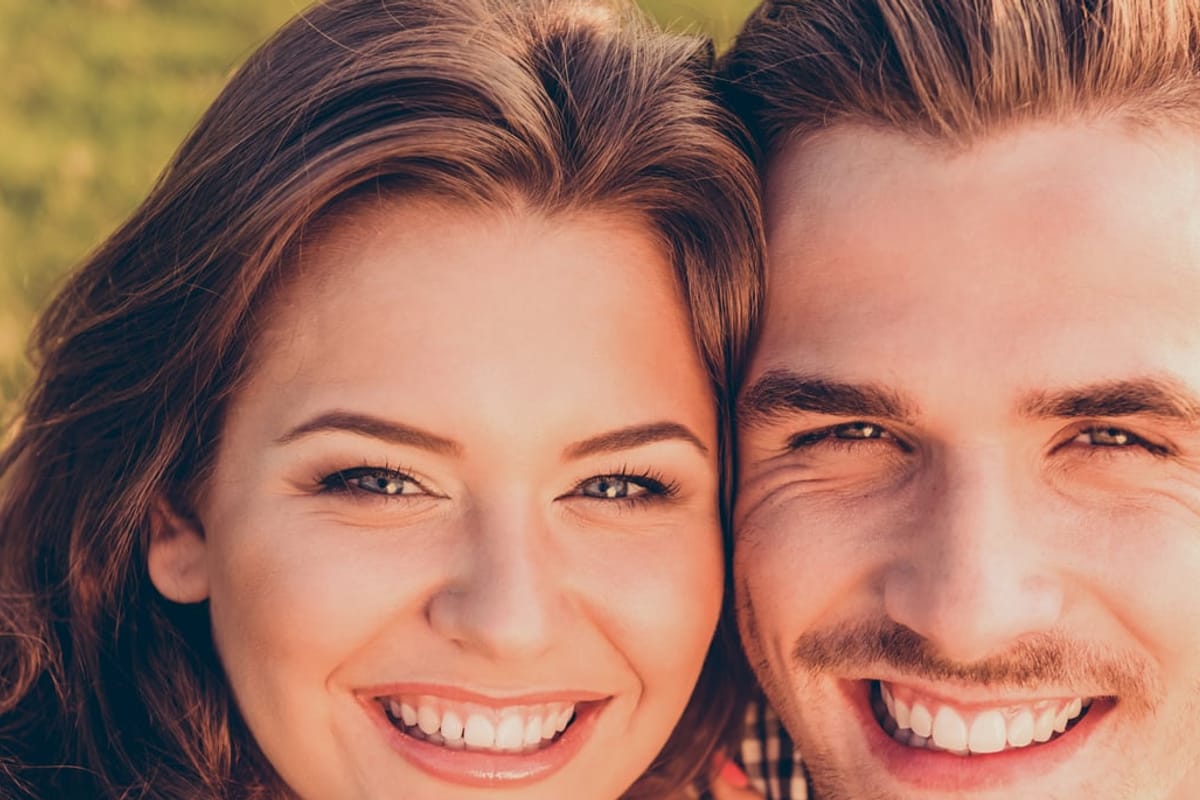
Drag the slider to compare the mosaic with the original photo.
 MosaicPhoto
Step by step with the maker
 1
1Choose your main photo
This becomes the big picture. Choose the shape too: landscape, portrait or square. You can zoom in and move the crop.
 2
2Add your small photos
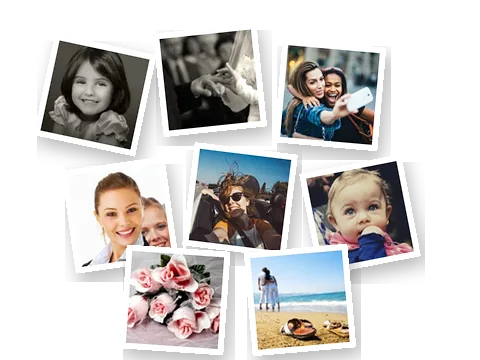
Select a whole batch at once from your gallery or a folder: at least 20. The maker skips duplicates automatically.
 3
3Preview and fine-tune
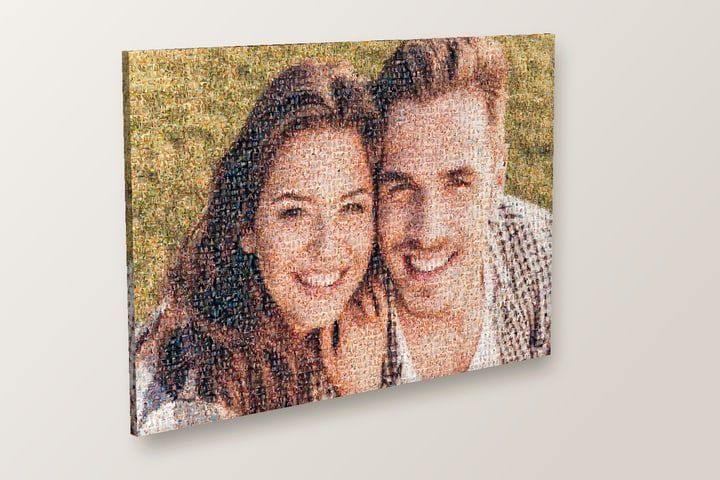
Your mosaic is ready in a few seconds. Zoom in to take a closer look. In Settings you can change the size of the small photos or the colours, or switch to black & white or sepia.
What next?
You decide what to do with it: a high-resolution file, a print on poster, canvas, Dibond or acrylic glass, or a video. A small version with our web address on it is free to download.
How many photos do you need?
At least 20 small photos; with fewer, the maker won't start. It starts to look good from about 150 different photos, and you can use up to 5,000.
A mosaic has roughly 2,400 or 4,800 tiles, so most photos appear several times. From a distance you will hardly notice, and the more different photos you use, the less repetition you'll see. In Settings you can also choose 'All equally often', so that every photo appears about as often as the others.
Which photos work best?
Main photo
Works well
- Sharp and taken up close, like a portrait or close-up
- One clear subject, or one to three people
- A simple background and plenty of light
Works less well
- Group photos: small faces get lost in the mosaic
- Dark or flat photos with little contrast
- Photos where text or fine detail matters
Small photos
Works well
- Original photos from your phone or camera
- As many different moments as possible
- A mix of light and dark, and lots of colours
Works less well
- Forwarded WhatsApp photos and screenshots: they are small, so they can look blurry in print
- Ten near-identical shots from one burst
Shape and size of the small photos
Each small photo is cropped to a square. If someone's head is half cut off, select that photo and move the crop yourself.
The mosaic itself can be landscape (3:2 or 4:3), portrait (2:3 or 3:4) or square. 3:2 and 2:3 can be printed on every material; square, 4:3 and 3:4 are not available on every material.
For the size of the small photos, you can choose Standard (about 4,800 tiles and a sharper main photo) or Larger (about 2,400 tiles, so each photo is easier to recognise). The maker shows how big each tile will be on a print.
Which size for a print or a file?
When you order, you can see how big each tile will be at every size; at 90 × 60 cm, that is about 1 to 1.5 cm. If the small photos matter most to you, choose a larger size, such as 120 × 80 cm on Dibond or acrylic glass.
Printing it yourself? Then choose a high-resolution file. For a landscape 3:2 mosaic, XL is about 7,800 × 5,200 pixels and stays sharp up to about 66 × 44 cm. XXL is twice as wide and twice as tall, about 15,600 × 10,400 pixels, and stays sharp up to about 132 × 88 cm.
The free version is meant for screens and is too small to print.
What can you do with your mosaic?
- Download Free in low resolution, or as an XL or XXL file to print yourself.
- Have it printed On poster, canvas, Dibond or acrylic glass, in the size that suits your wall.
- As a video Your mosaic as a short video with music, in a free version or in Full HD.
- Make a mosaic together Don't have all the photos yourself? Send one link to family or colleagues, and everyone adds their own photos.
Common mistakes
A group photo as the main photo
The faces become too small in the mosaic. The maker warns you about this; choose a photo of one to three people instead, or zoom in.
Too few different photos
With 30 photos for 2,400 tiles, you will see a lot of repetition. Collect more, or invite others to join in with Make a mosaic together.
Photos from WhatsApp
Forwarded photos and screenshots are small: you won't notice on a screen, but you will in print. Use the originals.
Printing the free version
It doesn't have enough pixels for print. Choose an XL or XXL file, or order the print from us.
Free, online and private
The maker runs in your browser, with nothing to install and no account needed. You only pay for a high-resolution file, a print or a paid video.
Your photos stay on your own device. They are only sent to us when you order something or save your mosaic to your account.
Quick questions
How do I create a mosaic photo from my own pictures?
Is a photo mosaic the same as a photo collage?
Can I make a photo mosaic on my phone?
Can I add text?
Try it with your own photos
Choose a main photo and plenty of small photos, and see what you get. Trying it is free.